
WordPress or a custom CMS? An honest guide for small businesses
WordPress or a custom CMS: both lead to a website you can update yourself. Here I show you honestly when WordPress is the better choice, when a custom CMS is worth it, and what each means for upkeep.
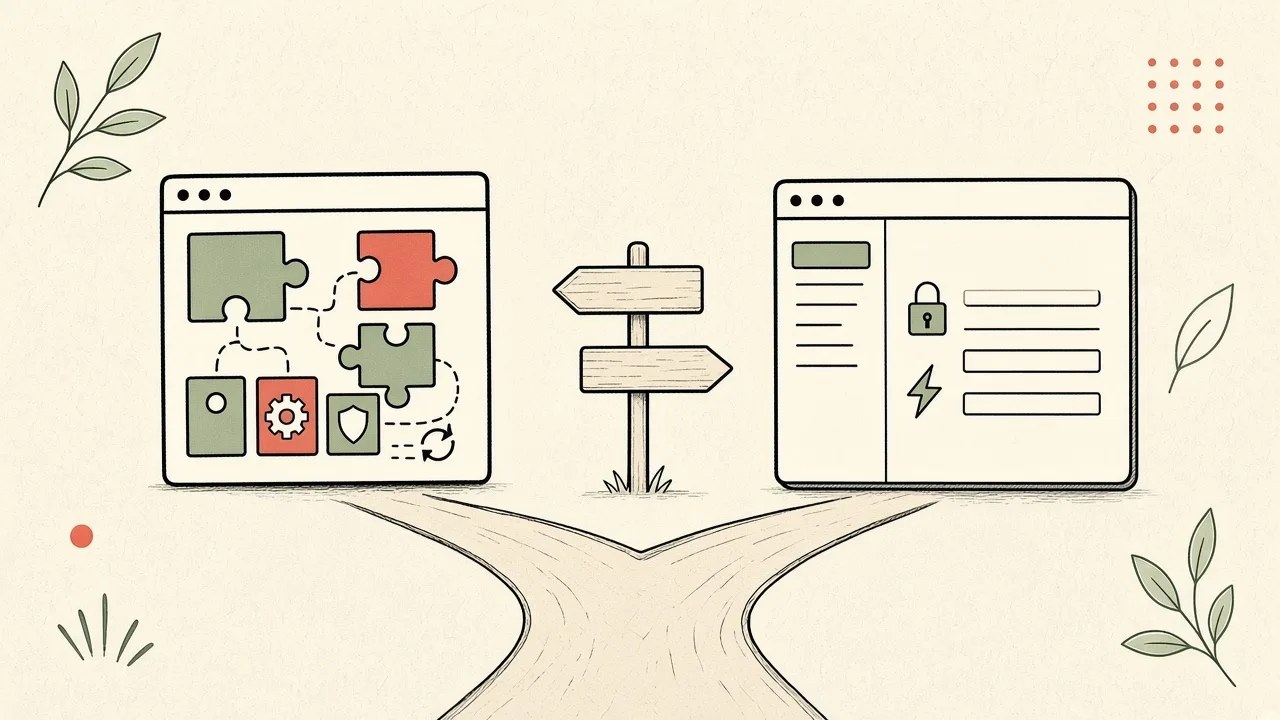
On this page
First, so you know where I'm coming from: I build both. Websites with WordPress and Elementor, and custom websites and web apps with Next.js and their own admin area. My own website has its own admin area too, by the way. So I have no reason to talk you into one or the other. It's only about what fits your business.
The basic difference
WordPress is free software and the most widely used CMS in the world. According to W3Techs, WordPress runs 58.3% of all websites that use a known CMS (as of 28 October 2026). You install it with a host, pick a theme and extend the site with plugins, for forms, SEO or a shop.
A custom CMS is an admin area built specifically for your website. Mine combine Next.js for the website with Supabase as the database and login. You don't get software for every possible case, just the fields and features you actually need.
Day-to-day use
Many people already know WordPress. With a page builder like Elementor you can design pages almost freely, edit text, swap images and add new pages. That freedom is a big advantage if you like working on the layout yourself.
A tailor-made admin area is deliberately leaner. You only see the fields your content needs, for example title, text, image and date for a blog post. The design is fixed. So you can't move anything by accident, but you also can't build a new layout on the fly.
Flexibility and extensions
This is where WordPress is strong. There's a proven plugin for almost any requirement: multiple languages, bookings, newsletters or a shop with WooCommerce. Much of it can be set up quickly without any programming.
With a custom CMS, every feature is developed on purpose. That takes longer for standard tasks. It pays off once you need something that doesn't exist as a plugin: a client portal with login, a quote tool or an internal dashboard connected to the website.
Speed and security
A WordPress site can be fast and secure. It takes a lean theme, a few well-chosen plugins, caching and regular updates. The more plugins you add, the more there is to keep an eye on.
A tailor-made system ships only the code that's actually needed. Pages are delivered pre-built, and the admin area is separate from the public site. That usually makes the site very fast and leaves less to attack. Security isn't automatic here either, though: login, roles and access rights have to be implemented properly.
Maintenance
With WordPress, regular updates to WordPress, the theme and plugins are part of the deal, along with backups and checking that everything still works after an update. That's not a flaw, just part of the system. You can do it yourself or hand it off, for example through WordPress maintenance. What to do if something breaks after an update is covered in WordPress broken after a plugin update.
A tailor-made system has no plugin updates. It still needs some care: the libraries it uses get updated now and then. But that happens less often and more predictably, and day to day things usually stay calm.
Costs at a glance
Both routes have a price, just split differently:
- WordPress: The build is usually cheaper, because a lot is solved with a theme and plugins. Ongoing costs include hosting, a domain, possibly plugin licences and maintenance.
- Custom CMS: The build costs more, because the admin area is developed for you. Afterwards, running costs are often lower and easier to plan, with hardly any updates and no plugin licences.
What a website costs overall is broken down in What does a website cost in Switzerland?.
SEO & GEO
You can be found on Google and in AI assistants like ChatGPT with either system. In WordPress, plugins like Rank Math help you manage page titles, descriptions and structured data. With a tailor-made system this is built straight into the code, including fast load times, clean data and an llms.txt for AI assistants. Good content and clear service pages matter more than the system, though.
Independence
A lot of professionals know WordPress. If you want to hire someone else later, you'll find help quickly, and the site can move to another host.
A custom CMS is more closely tied to whoever built it. That's why I use widely known technology like Next.js, React and TypeScript, document the handover and keep your content in a standard PostgreSQL database. That way someone else can keep working on it later.
When WordPress fits
- You want to design and keep adjusting both content and layout yourself.
- You need lots of features that exist as proven plugins, for example a shop.
- It matters to you that other professionals can work on the site later.
- You want to start on a smaller budget.
When a custom CMS fits
- Speed and security are especially important to you.
- You don't want to deal with plugin updates.
- You only need a few clearly defined types of content that you maintain yourself.
- Your website needs features that don't exist as a plugin, such as a login area for clients.
Conclusion: WordPress or a custom CMS?
Both are good routes for different needs. WordPress wins on design freedom, proven extensions and a large pool of professionals. A custom CMS wins on speed, security and calm day-to-day running without plugin updates. For most small business websites with content, a blog and marketing, WordPress is the simpler and more affordable choice. Often a combination makes sense too: the website in WordPress, the client area as a web app.
If WordPress fits you, I'll build your website at a fixed price, with an introduction so you can edit text and images yourself afterwards. If you need something tailor-made, everything about websites and tools with their own admin area is on web app development. Not sure? Tell me briefly what you have in mind, or email hallo@linus-webentwicklung.ch. I'll tell you honestly which route makes sense for you, and the estimate is free.
Frequently asked questions
Is a custom CMS more secure than WordPress?
It usually leaves less to attack, because there are no third-party plugins and the admin area runs separately. A well-maintained WordPress site with few plugins is secure too. What matters for both is that updates, backups and access are handled properly.
Can I edit content myself with a custom CMS?
Yes. You log in to the admin area and change text, images or blog posts yourself. The layout stays fixed so nothing shifts by accident.
Can I switch from WordPress to a custom CMS later?
Yes. Text and images can be carried over, while the design and admin area are built anew. Make sure old URLs redirect to the new pages so you don't lose anything on Google.
Which is cheaper, WordPress or a custom CMS?
WordPress is usually cheaper to build. A custom CMS costs more upfront but needs less ongoing care. Which one is cheaper over several years depends on how many features you need and how often the site changes.
More articles
Outsource Your WordPress Backlog: Freelancer Instead of a Hire?
When a Swiss agency should outsource the WordPress backlog instead of hiring, with a cost comparison, a working setup and a ticket template.
What Does a Website Cost in Switzerland? 2026 Prices
Honest 2026 price ranges for a Swiss website, from a simple landing page to a custom web app, including the yearly costs that follow the launch.
WordPress hacked, what now? First aid for your business
Your site suddenly redirects to strange pages, Google shows a warning, or your host reports suspicious activity? Then your WordPress site has most likely been hacked. Here's what to do right away, how a clean recovery works, and how to protect yourself afterwards.