
WordPress hacked, what now? First aid for your business
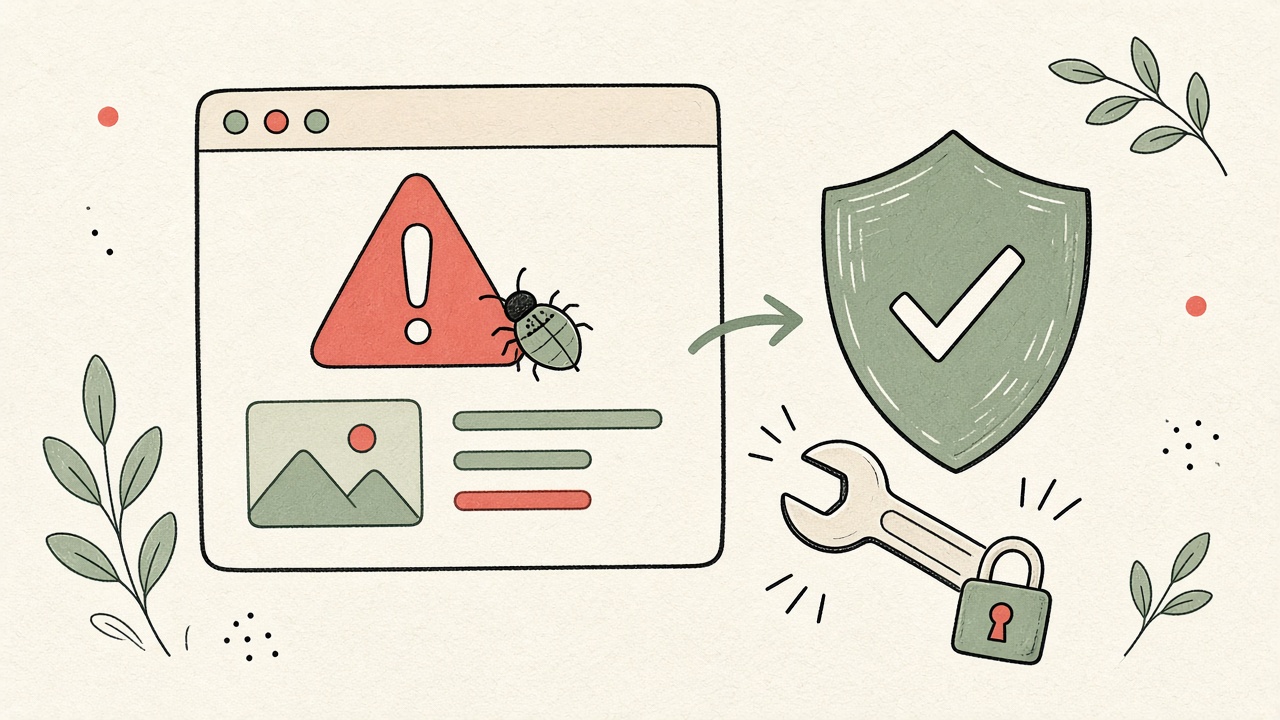
Your site suddenly redirects to strange pages, Google shows a warning, or your host reports suspicious activity? Then your WordPress site has most likely been hacked. Here's what to do right away, how a clean recovery works, and how to protect yourself afterwards.
On this page
A hack feels personal, but it almost never is. Most attacks are automated: bots scan the web around the clock for WordPress sites with known holes in outdated plugins and themes, or with weak passwords. Whether there's a large company or a small shop behind the site makes no difference to them.
If your site simply stopped loading after an update, that's usually not a hack. I wrote WordPress broken after a plugin update for that case. This article is about real attacks.
WordPress hacked? How to recognise it
- Visitors get redirected to ad or casino sites or to dodgy shops selling potency or diet pills, often only on mobile or only when coming from Google.
- Users with admin rights you don't recognise appear in the dashboard.
- Google lists pages under your domain with strange titles, sometimes in Japanese or other languages.
- The browser or Google warns that the site is unsafe.
- Your host suspends the site or emails you about malware or spam.
- Your emails start landing in spam because your server was used to send spam.
One sign alone isn't proof. Several together are a clear signal.
Step 1: Stay calm and document
Take screenshots of everything unusual and note the date and time. Don't delete anything yet. This information helps find the cause later and decide which backup is clean.
Step 2: Contact your host
Get in touch with your hosting provider. Many hosts have dealt with this before, can point you to suspicious files and tell you which backups exist on the server. Ask whether other sites in the same hosting account are affected too.
Step 3: Take the site offline or into maintenance mode
If your site is sending visitors to harmful pages, take it offline for a while to protect them and your reputation. Your host can do this, or you can put up a simple maintenance page. A few hours offline beat a site that puts your customers at risk.
Step 4: Change every password
Really every one, not just WordPress:
- all WordPress users with admin or editor rights,
- SFTP and FTP accounts,
- your hosting account,
- the database, including the update in
wp-config.php, - email accounts linked to the website.
Delete unknown admin accounts and switch on two-factor login wherever you can. Change passwords from a device you trust.
Step 5: Clean up properly
This is where you find out whether the hack is really gone. There are two routes:
- Restore a backup from before the hack. Often the fastest option, but only if you know for sure the backup is clean. Content, orders or enquiries since then will be lost.
- Clean up selectively. Reinstall WordPress, theme and plugins from official sources, check
wp-content/uploadsfor PHP files that don't belong there, search the database for injected code and unknown users, and check the files with a security scanner as well.
Either way, the hole has to be closed. Usually it's an outdated or abandoned plugin, a pirated premium theme or a weak password. If the hole stays open, the site is often reinfected quickly.
Search for "WordPress hacked" and you'll find plenty of conflicting advice. A reliable source is the official WordPress documentation: its FAQ My site was hacked covers the cleanup in more technical detail.
Step 6: Win back Google and your visitors
Check the security issues section in Google Search Console. If Google flagged your site, you can request a review there once it's clean. Remove spam pages from your sitemap and make them return "not found" or "gone", so Google drops them from the index.
Step 7: Think about data protection
Contact forms, newsletters or a shop mean your site often stores personal data. If that data may be affected, check whether you need to report the incident to the Federal Data Protection and Information Commissioner (FDPIC) and inform the people concerned. I'm a web developer, not a lawyer, so a short legal check is worth it if you're unsure. The basics are in my Swiss data protection checklist.
When to get help
You can clean up yourself if you're at home with SFTP, databases and WordPress. Get help when:
- you aren't sure which backup is clean,
- the site gets reinfected after a cleanup,
- a shop or customer data is involved,
- your host has suspended the site and wants proof of the cleanup,
- you simply don't have the time because your business has to keep running.
How to protect your site afterwards
Most hacks can be prevented with routine:
- Apply WordPress, theme and plugin updates regularly, with a backup first.
- Store backups off the server so an attack can't reach them.
- Only use plugins and themes from official sources, and delete unused ones.
- Give every person their own user, with as few rights as needed and two-factor login.
- Use monitoring that alerts you when the site goes down or something changes.
Conclusion
Having your WordPress hacked is a nuisance, but it can be fixed: document the state, tell your host, take the site offline if needed, change every password, clean up properly, close the hole and check data protection. After that, regular maintenance makes sure it doesn't happen again.
That's exactly what I take care of in WordPress maintenance from CHF 149 per month: weekly updates, daily backups, uptime and security monitoring with a malware scan, login protection and a check for known gaps in plugins, a monthly form and PageSpeed check, an SEO & GEO check with a ranking report, a short monthly report and 1 hour for small changes. Cleanup after a hack is billed at CHF 60 per hour. Is your site affected right now? Get in touch or email hallo@linus-webentwicklung.ch. I'll tell you for free how much work it is.
Frequently asked questions
How can I tell my WordPress site has been hacked?
Typical signs are redirects to unfamiliar sites, admin accounts you don't recognise, new files or pages you didn't create, a warning in the browser or in Google Search Console, and emails from your host about suspicious activity.
Is restoring a backup enough?
Only if the backup was definitely made before the hack and you close the security hole afterwards. Otherwise the site is often infected again soon. Change all passwords either way.
Do I have to report a hack?
If personal data may be affected, for example from contact forms or a shop, check whether you have to report the incident to the FDPIC under the Swiss data protection act. I'm a web developer, not a lawyer, so get legal advice if you're unsure.
What does cleaning up a hacked website cost?
It depends on how deep the damage goes. I bill cleanup at CHF 60 per hour in 15-minute increments and give you a free estimate first.
How do I stop it happening again?
Regular updates, backups stored off the server, strong passwords with two-factor login, and only the plugins you really need. Two-factor login is best set up for every user. My WordPress maintenance from CHF 149 per month covers weekly updates, daily backups, uptime monitoring and security: a malware scan, login protection, and a check for known gaps in plugins.
More articles
WordPress broken after a plugin update: what now?
After a plugin update, your site shows a blank white page or "There has been a critical error"? Don't panic. These steps usually get WordPress running again, and they tell you when it is time to call in help.
Swiss Data Protection Checklist: 10 Points SMEs Should Check
Ten practical checks for a Swiss company website under the revised FADP, including where the rules differ from the EU GDPR.
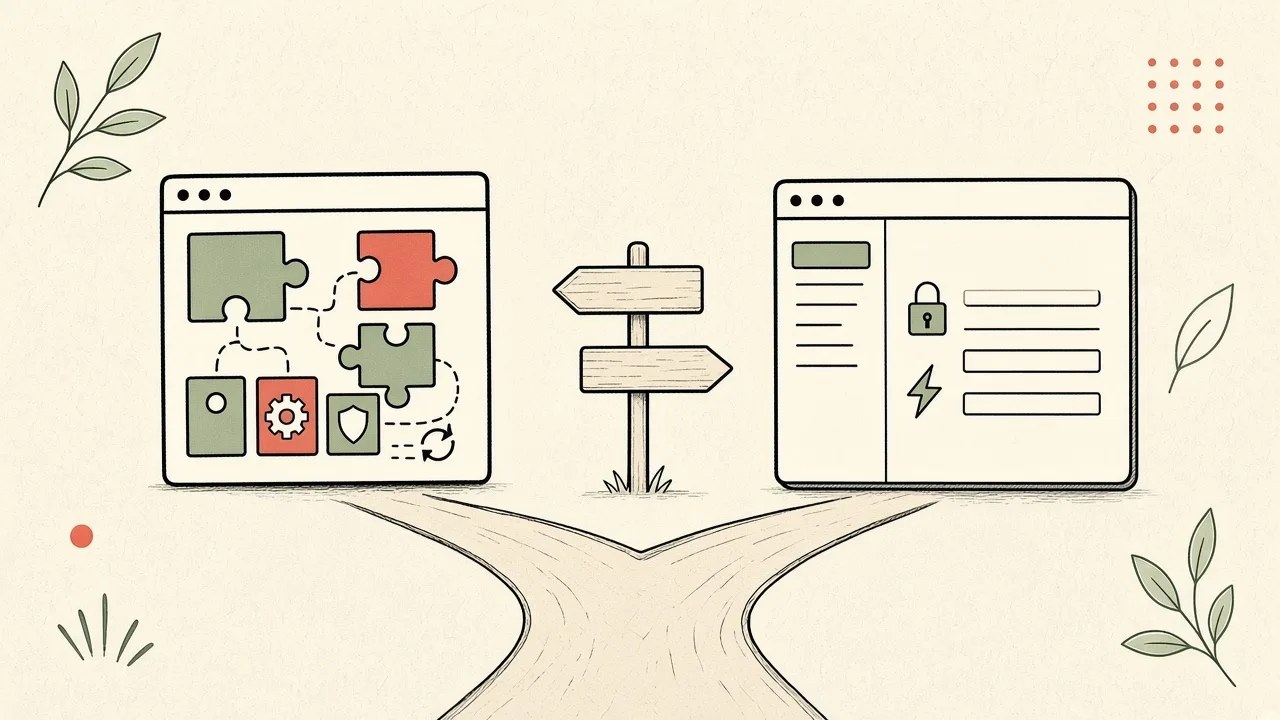
WordPress or a custom CMS? An honest guide for small businesses
WordPress or a custom CMS: both lead to a website you can update yourself. Here I show you honestly when WordPress is the better choice, when a custom CMS is worth it, and what each means for upkeep.