Setting up a Google Business Profile in Basel: step by step
Your Google Business Profile is the listing that shows up in Google Maps and on the right of the search results for local searches. This guide walks you through setting it up, from the first sign-in to verification, and helps you avoid the pitfalls I keep seeing with small businesses in Basel.
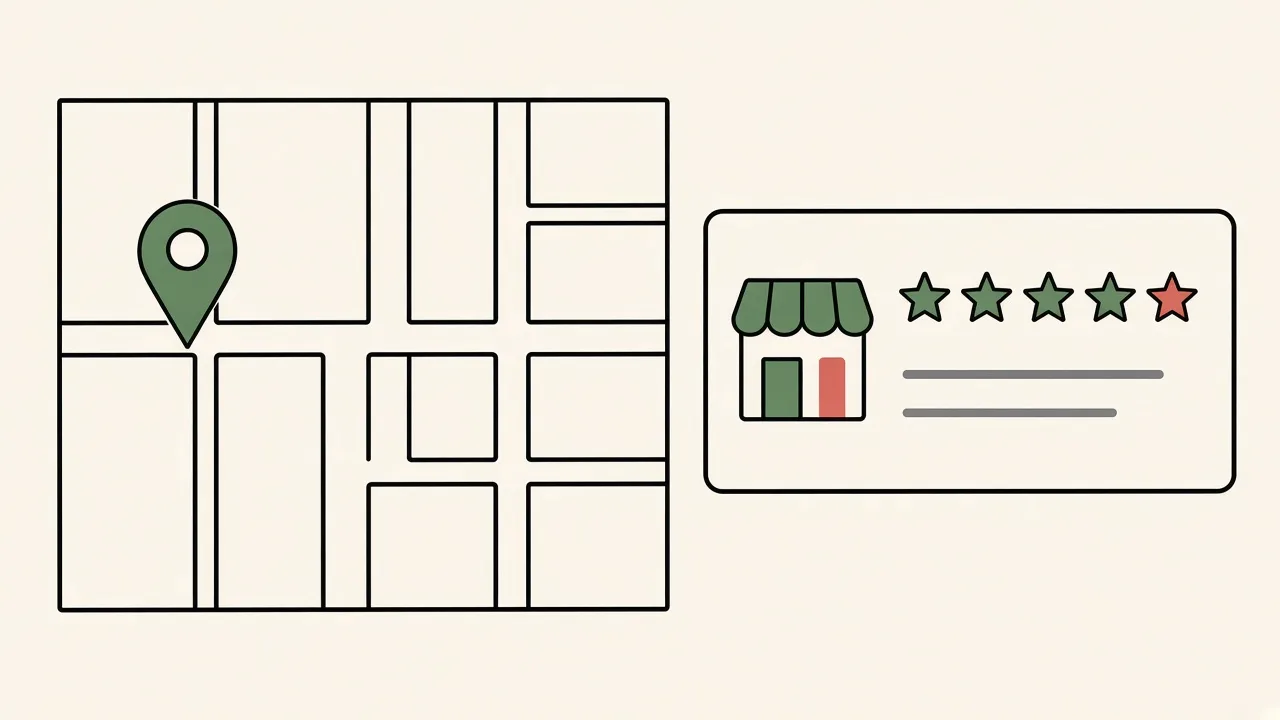
In my article Local SEO Basel: 10 steps to more customers from Google Maps, I called the business profile the single most important lever. That piece covers the big picture: keywords, directories, reviews, schema. Here I take a step back and show you, very practically, how to set the profile up properly in the first place. Get it right from the start and you avoid duplicate listings, suspended profiles and tedious fixes later.
Note: Google changes its interface regularly, so button labels may differ slightly. The process stays the same.
Before you start: what you need
- A Google account, ideally with a business email address rather than one person's private Gmail. That keeps the profile with the company if someone leaves.
- The official spelling of your business name, address and phone number, exactly as on your website and in your imprint.
- Your opening hours, including exceptions.
- A few real photos: logo, entrance, team, premises or work.
- Access to your website, if you want to add a link to your profile or a review link there.
Step 1: Check whether a listing already exists
Search Google Maps for your business name and address. Google has often created a listing from public sources already, or a former employee once set one up.
- Listing exists, nobody manages it: Click "Own this business?" and claim it.
- Listing exists, someone else manages it: Google will offer to request access from the current owner. If they don't respond, there is a route through Google support.
- No listing: Then you create a new profile.
Whatever you do, don't just create a second listing. Duplicates confuse both Google and your customers.
Step 2: Create the profile and enter your name
Go to business.google.com and start the setup. Use your real business name, the one on your door, your invoices and your website.
Don't stuff keywords into the name. "Muster Elektro GmbH" is fine. "Muster Elektro GmbH Electrician Basel Cheap" breaks Google's guidelines and can get the profile suspended.
Step 3: Pick your primary category
The category helps decide which searches you show up for. Choose the one that describes your main business most precisely. A tip: check which category well-ranked businesses in your field in Basel are using. Google Maps usually shows it right below the name.
You can add secondary categories later. Only add ones you genuinely offer.
Step 4: Set an address or a service area
This is where most mistakes happen in practice. Google asks whether customers can visit you at a location.
- Shop, practice or office with walk-in customers: Enter the address and keep it visible. Place the map pin exactly on your entrance. In the city centre or in large buildings such as in Gundeli, it is worth double-checking.
- Trades, mobile services, home office: Enter the address for verification, but hide it. Then define your service area, for example Basel, Riehen, Allschwil or Binningen.
- Both: Visible address plus a service area.
Virtual offices, coworking without a fixed desk and PO boxes are not allowed as locations.
Step 5: Add contact details and your website
Add the phone number you actually answer and your website address. Link to the page that fits the profile best: the home page for a single location, or the location page if you have several.
Write the phone number the same way as on your website. Consistent business details are an important signal, more on that in the Local SEO guide.
Step 6: Verify
Without verification your profile is not fully visible and you can't edit everything. Google shows you which methods are available for your business. Depending on the case, that might be a phone call, a text message, an email, a short video or a postcard with a code.
For video verification, Google usually wants to see the location, signage or work equipment, and proof such as tools, vehicle branding or business documents. Have those ready before you hit record. Google shows the exact requirements right in the flow.
Don't change details like name, address or category while verification is pending. That can restart the process.
Step 7: Complete the profile
Once verified, fill in the rest:
- Opening hours and special hours, for Fasnacht, public holidays or company holidays.
- Description in your own words: what you do, for whom and where.
- Services or products, each with a short description.
- Photos: logo, cover image and a few real pictures. No stock photos.
- Attributes such as wheelchair access, parking or languages, where available and accurate.
How to strengthen the profile further with reviews, posts and local content is covered in the Local SEO guide for Basel, so I won't repeat it here.
Step 8: Handle access properly
Add other people in the settings instead of sharing your password. There are different roles. At least one other trusted person should have owner rights, so the profile doesn't depend on a single account. External providers get a manager role that you can remove at any time.
Common pitfalls
- Profile suspended after an edit: Often after a new name with keywords or an address change. Stick to your real business name.
- Postcard never arrives: Make sure your business name and address are on the mailbox, especially in apartment buildings.
- Duplicate listings: Report duplicates through "Suggest an edit" in Google Maps rather than maintaining both.
- Wrong pin: A pin in the back courtyard or on the wrong side of the street sends customers the wrong way.
Conclusion
A properly set up Google Business Profile is what gets you into local search results in Basel at all. Claim existing listings first, use your real name and the right category, set the address or service area correctly, verify, then complete the profile. With that foundation in place, you can move on to the other steps in the Local SEO guide.
Rather hand it off? See how I run the Local SEO setup for Basel. And if it's only a quick question or a small fix, just drop me a line. I will tell you for free how much work it is.
Frequently asked questions
Does a Google Business Profile cost anything?
No, the profile itself is free. Costs only come in if you also run ads or hire someone to set it up.
My business is already on Google Maps, but I never created a profile. What now?
Google probably created the listing from public data. Find it in Google Maps and click "Own this business?". That way you claim the existing listing instead of creating a duplicate.
I work from home. Does my private address have to be public?
No. If customers don't come to you, you enter the address only for verification, hide it, and define a service area instead.
Can you help me set it up?
Yes. Send me a short note about what you need, and I will tell you for free how much work it is.